
Microsoft PowerToys is a set of open-source system utilities developed in collaboration with the Windows community. It allows power users to tweak and streamline their Windows experience for greater productivity, offering custom keyboard shortcuts, advanced window management, and quick file tools.
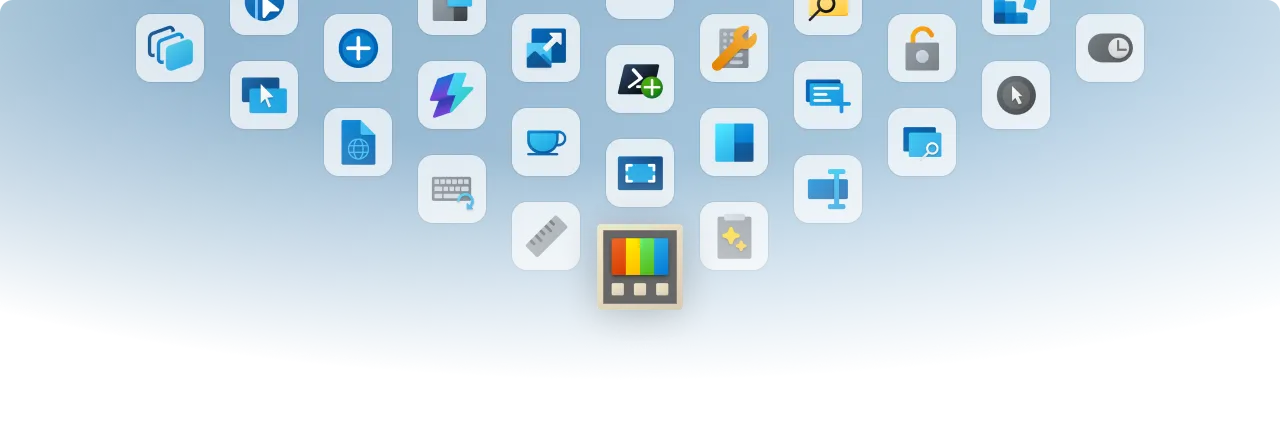
Overview of PowerToys
In my testing, this utility suite feels like a natural extension of the OS rather than a clunky third-party add-on. The latest version runs exceptionally well in the background without hogging RAM, especially since they recently patched a memory leak in the Command Palette dock. You get immediate access to powerful daily tools without slowing down your system.
Core Features of PowerToys
- FancyZones window manager creates custom grid layouts to snap your open applications into place.
- PowerToys Run provides a lightweight, offline launcher for searching files and executing system commands locally.
- Ad-free Color Picker grabs HEX, RGB, or CMYK codes from anywhere on your screen instantly.
- Keyboard Manager remaps specific keys or entire shortcuts without relying on heavy peripheral software.
- Always on Top pins your active window above everything else for easy reference during tasks.
System Compatibility
Supports Windows 10 and Windows 11. Available in both per-user and machine-wide installers for x64 and ARM64 architectures.
Why Choose PowerToys?
Instead of installing a dozen separate, ad-filled freeware apps to tweak your system, you get one clean, open-source package maintained directly on GitHub. It gives you advanced control over your PC without the heavy background services that drag down hardware performance.