
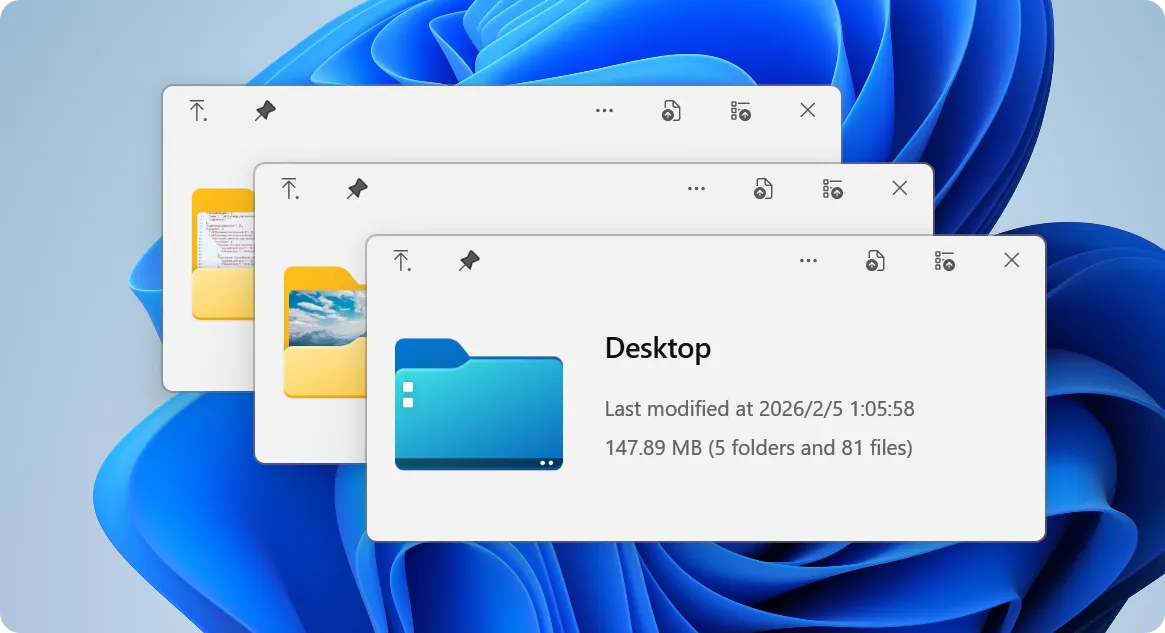
QuickLook is a free, open-source Windows utility that brings macOS-style instant file previews to Windows File Explorer. By pressing the Spacebar, users can immediately view documents, images, videos, archives, and code files without launching heavy dedicated applications.
Overview of QuickLook
In my daily testing across Windows 10 and 11, QuickLook ran quietly in the background with negligible RAM usage and zero background CPU drag. It opens previews in roughly 0.2 seconds, making batch-sorting raw photos, markdown files, and code snippets noticeably faster. The native Fluent Design interface fits right into modern Windows builds without getting in your way.
Core Features of QuickLook
- Instant spacebar previews let you inspect files in File Explorer, Open/Save dialog boxes, and third-party managers without opening extra apps.
- Over 100 supported formats work right out of the box, covering PDFs, PSD files, 3D models, audio, videos, archives, and syntax-highlighted code.
- Modular plugin system adds standalone support for Office formats, native WebView2 PDF rendering, PostScript, and CAD files.
- Strictly offline and ad-free under the GPL-3.0 license, meaning no user telemetry, background tracking, or paid upgrade prompts.
- Keyboard-driven workflow enables full zoom control, 3D object rotation, and arrow-key file cycling while the preview stays open.
System Compatibility
- Operating System: Windows 11, Windows 10 (compatible with Microsoft Store, standalone installer, and Scoop package manager builds; not available for macOS or Linux)
- Architecture: x86, x64, ARM64
Why Choose QuickLook?
QuickLook delivers a lightweight, zero-cost alternative to bulky document viewers and bloated commercial preview software. Because it contains no ads, trackers, or subscription walls, you get an efficient desktop utility that respects your system resources and privacy.