Motrix is a free, open-source download manager built to handle HTTP, FTP, BitTorrent, and magnet links. It uses an independent core engine to ensure fast, reliable file transfers without the heavy background processes common in traditional desktop utility software.
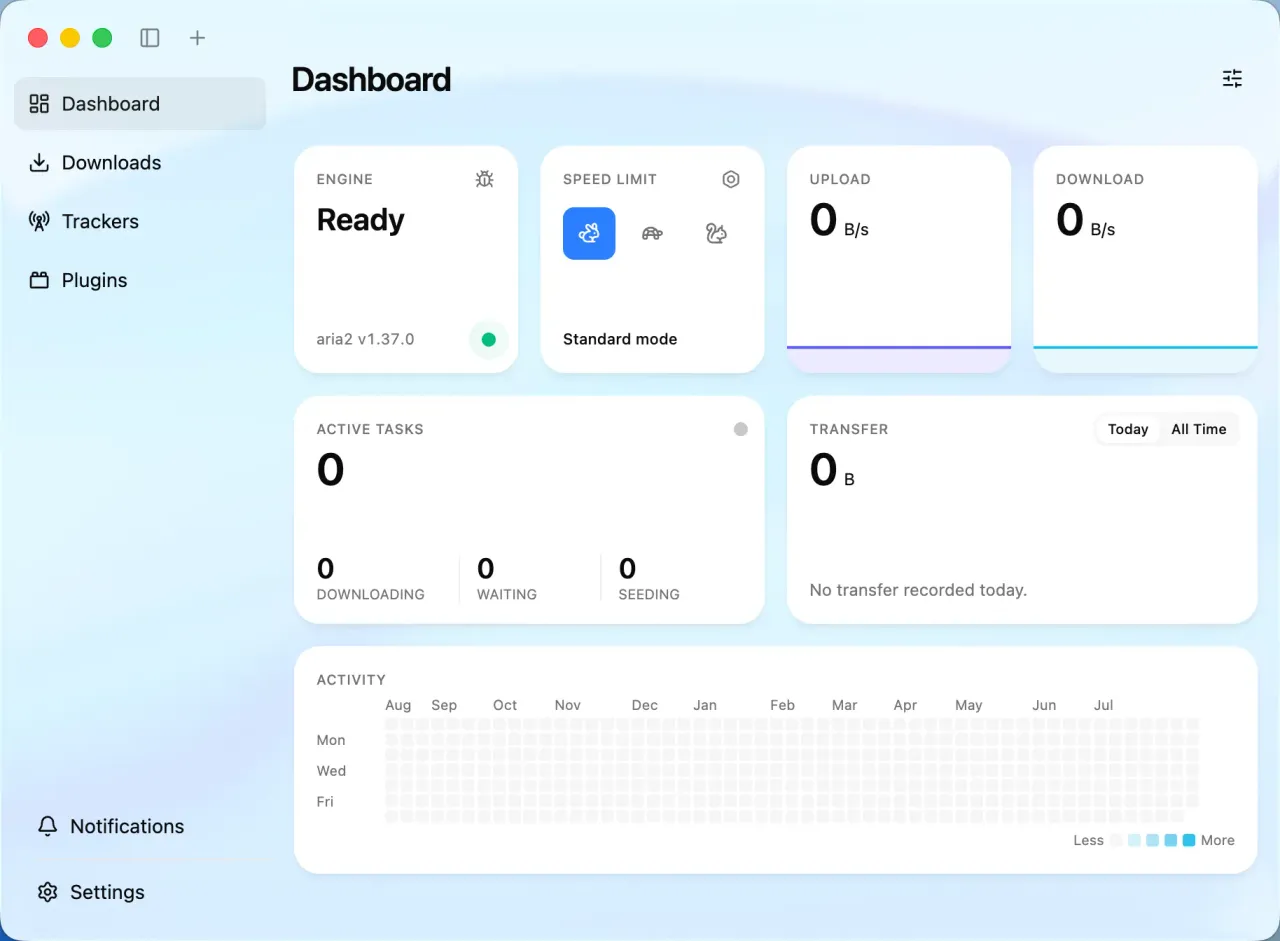
During my testing on a Windows machine, the app felt remarkably light and responsive compared to older, resource-heavy alternatives. The built-in tracker management automatically updates, which kept my torrent speeds high without requiring constant manual adjustment. Since it utilizes an independent download engine, it runs quietly in the background while keeping RAM usage exceptionally low.
Features of Motrix
- BitTorrent and magnet connections work right out of the box, letting you pick specific files before the transfer starts.
- Built-in tracker list automatically checks peer health and updates itself for faster, more stable routing.
- Precise speed limits allow you to restrict upload and download rates so the app never hogs your entire home network.
- SQLite session memory safely tracks your progress to resume broken transfers instantly after a sudden computer restart.
- Sandboxed plugin architecture lets you safely install extensions like URL scrapers without exposing your underlying operating system.
System Compatibility
Motrix natively supports Windows (x64), macOS 12+ (Apple Silicon arm64 and Intel x64), and Linux (x64, arm64). A headless server version is also available to deploy via Node.js or Docker.
Why Choose Motrix?
This tool completely strips away the aggressive advertisements and bundled tracking scripts found in standard commercial managers. It delivers a strictly open-source, private environment that focuses entirely on grabbing your files quickly and getting out of the way.