NVM for Windows is a standalone, open-source command-line utility designed to install, manage, and switch between multiple Node.js versions on a single PC. It handles runtime swapping using system symlinks without requiring existing Node.js dependencies.
Overview of NVM for Windows
In my testing across different development setups, NVM for Windows stood out because it is written in Go and runs directly as a native executable with zero background memory drain. I found that switching active runtimes updates system-wide instantly, so you never have to re-select your Node version every time you open a new terminal window. It cleanly isolates your runtimes and keeps system paths tidy.
Core Features of NVM for Windows
- Native Go binary: Operates independently without needing Node.js, runtimes, or background bloatware.
- Persistent symlink switching: Toggles global Node versions instantly across all open console sessions and reboots.
- Architecture controls built-in: Lets you download, manage, and switch between 32-bit and 64-bit Node builds on demand.
- Zero ads or trackers: Fully open-source utility that works offline once your selected Node versions are downloaded.
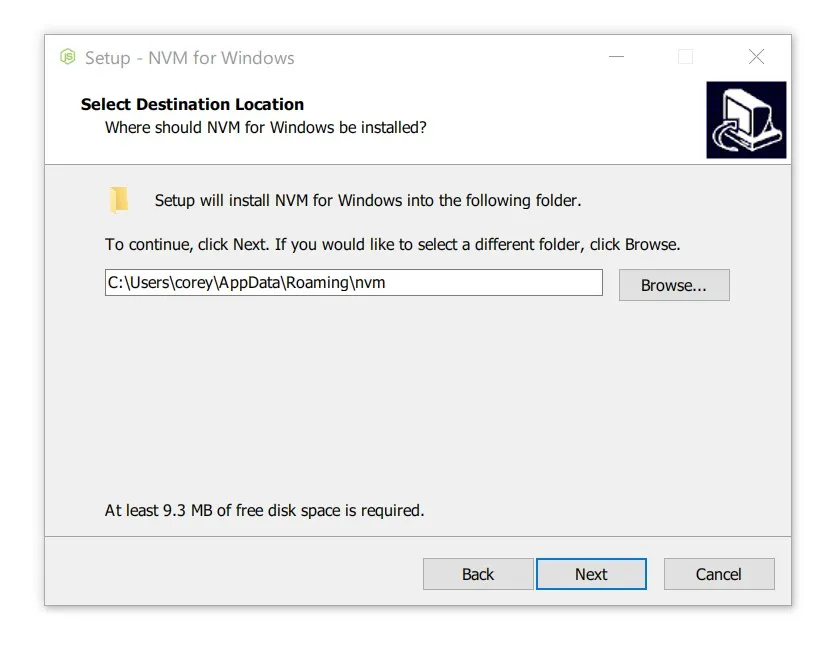
- Dedicated setup installer: Comes with clean installation, uninstallation, and upgrade wizards.
System Compatibility
- Operating Systems: Windows 11, Windows 10, and Windows 7/8 (requires Administrator privileges for symlink creation).
- Architectures: 32-bit (x86) and 64-bit (x64/amd64).
- Platform Note: This specific tool is built exclusively for Windows; macOS and Linux environments use the separate upstream POSIX
nvmscript.
Why Choose NVM for Windows?
It gives developers a lightweight, 100% free open-source solution to test multiple Node runtimes without registry clutter or telemetry. You get full control over your development environment while avoiding bloated commercial managers and broken path configurations.