Alacritty is a free, open-source, and GPU-accelerated terminal emulator for Windows and other platforms. Written in Rust, it offloads text rendering to the GPU for maximum speed. It provides sensible defaults, extensive configuration, and integrates easily with external tools.
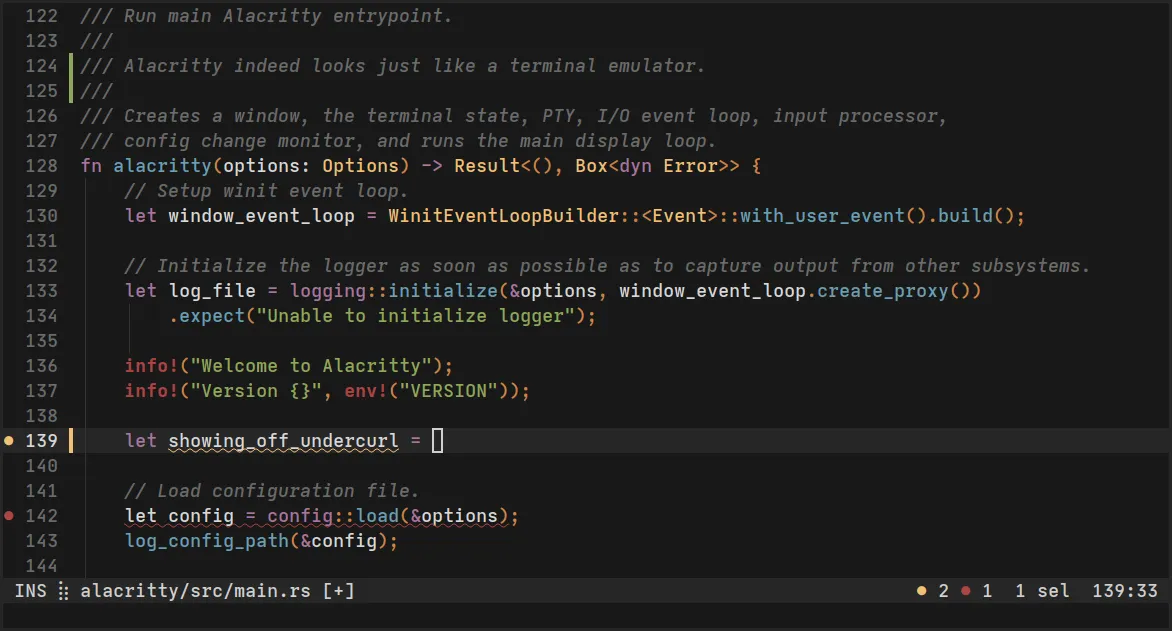
Overview of Alacritty
My testing confirms this emulator handles massive text outputs without lagging. The OpenGL acceleration keeps system resource usage low while drawing text immediately. I also appreciate that configuring it through TOML 1.1 is straightforward, and the built-in Vi mode makes keyboard movement incredibly fast.
Core Features of Alacritty
- GPU-accelerated rendering ensures instantaneous responses even during heavy workloads.
- TOML 1.1 support allows customization of shortcuts, fonts, and mouse bindings like WheelUp.
- Built-in Vi mode lets you move around and select text directly from the keyboard.
- Free and open-source design means no ads, trackers, or hidden paywalls.
- Block element symbols rely on a built-in font for clean layouts without extra installations.
System Compatibility
Alacritty supports Windows 10 (version 1809 or higher) and Windows 11, requiring ConPTY support and OpenGL ES 2.0 or higher.
Why Choose Alacritty?
This tool ignores the bloat of heavy GUI menus, focusing entirely on raw speed and efficiency. It outperforms standard terminals because it trusts your window manager for multitasking while keeping the core emulation incredibly fast.