Windows Terminal is a modern, open-source command-line application for users of Command Prompt, PowerShell, and WSL. It consolidates multiple shell environments into a single tabbed interface, offering hardware-accelerated text rendering and extensive customization options for developers and power users.
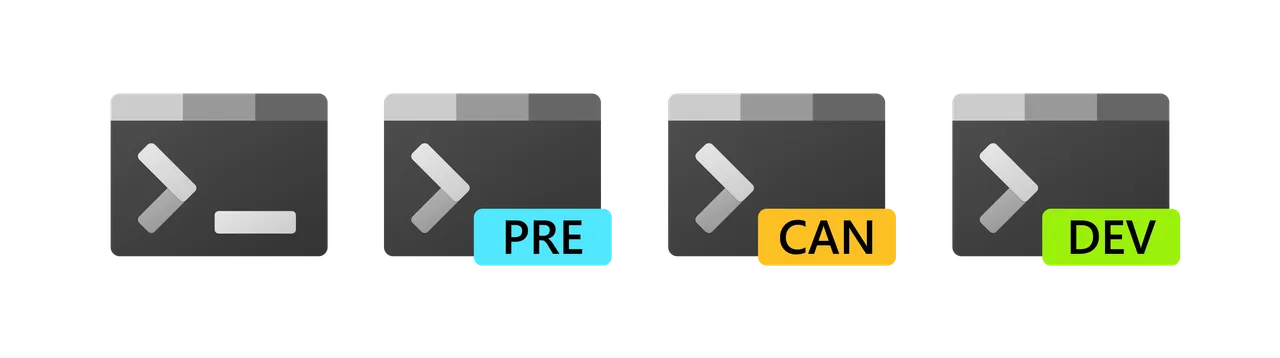
Overview of Terminal
During my testing, I noticed how light this app feels on system resources compared to running multiple standalone console windows. Recent updates have ironed out memory corruption bugs and annoying crashes when moving tabs across different screen sizes. The text engine keeps things responsive even when compiling large projects or scrolling through thousands of lines of logs.
Core Features of Terminal
- Multiple tab support lets you run PowerShell, Command Prompt, and Linux distros side-by-side in one organized window.
- Hardware-accelerated rendering utilizes your GPU to display text smoothly without heavily taxing your processor.
- Custom profiles allow deep tweaking of color schemes, background images, and keyboard shortcuts for specific workflows.
- Screen reader compatibility ensures accessibility, with continuous improvements for audible settings announcements.
- Rock-solid stability comes from active community patching, including recent fixes for font handling and NVIDIA driver deadlocks.
System Compatibility
Terminal requires Windows 10 (version 1903 or later) or Windows 11. It natively supports both x64 and ARM64 architectures.
Why Choose Terminal?
This open-source tool replaces the outdated default Windows console with a unified, ad-free environment that respects your hardware. You get a modern developer experience without the bloat, tracking, or paywalls found in heavy commercial alternatives.